

SPS Diagnostic Tool Usage Guide
Function entry
| Go to the Diagnostics page |
|

Diagnosis details
| Status of metrics |  Click the metric name to switch 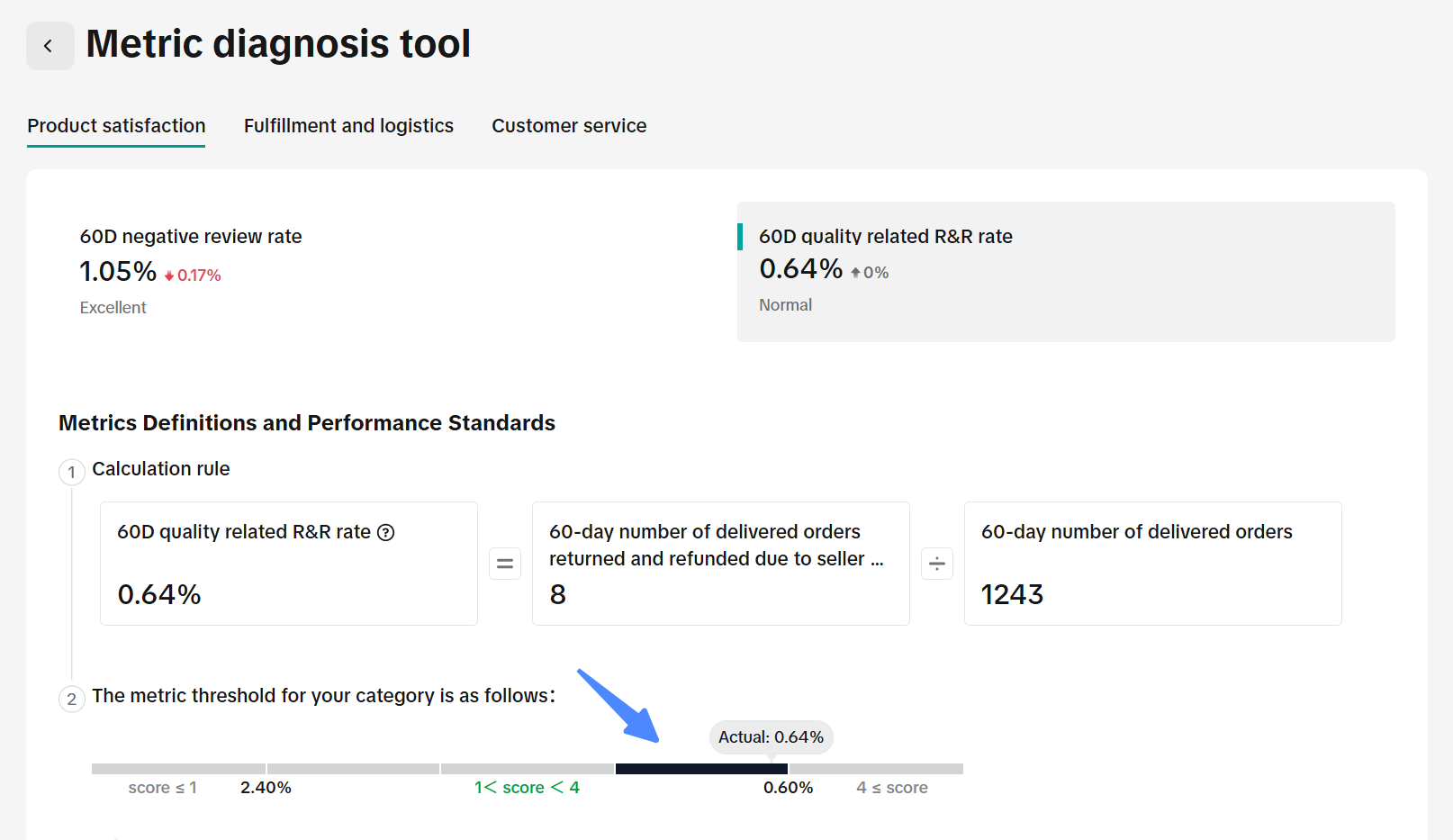 The calculation formula and the black deepening position will be displayed here, which is the current segment |
| Causes and problems |  When the "excellent" level is not reached (i.e. ≥ 4 points), the achieved suggestions will be displayed  The problem products/orders and main reasons will also be displayed below for targeted optimization |